Webinar – Secure Access in a Hybrid World: Moving Beyond VPNs with Universal Zero Trust
March 5
Online
Learn More
IoT/OT Security & InfoSec Healthcare Conference
May 19
Cham, Switzerland
Learn More
ManuSec
February 26-27
Munich, Germany
Learn More
Swiss Cyber Storm
October 20
Bern, Switzerland
Learn More
Native, Managed SASE
Confidently access data from anywhere at any time. Trust Open Systems for:
- Simple, secure connectivity
- An easy-to-implement and use experience
- Robust security outcomes

Our promise to you
At Open Systems, we don't just promise a great service experience; we live it. We implement proven and leading technologies and robust security protocols to protect your network from potential cyber threats while delivering the highest levels of availability. We put this commitment ahead of everything else. We deliver this through...
incident escalation to certified engineer from customer tickets
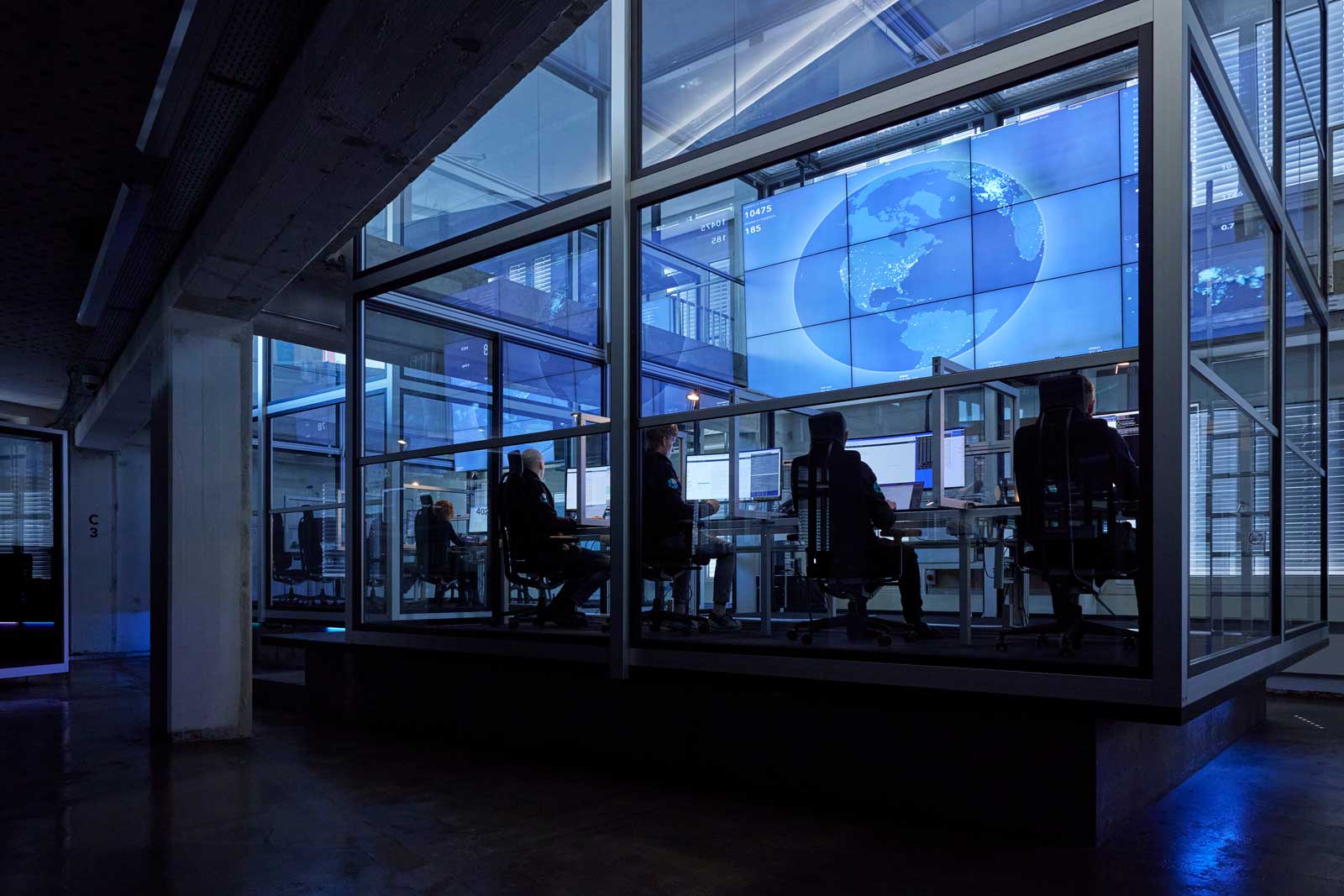
Our Network and Security Operations Center (NOC/SOC) set Level-3 engineers on the front line to triage incoming change requests, monitoring alerts and incidents as well as incoming calls to ensure all events are prioritized according to their urgency and properly handled.
on premises equipment SLA
Native, Managed SASE is Better
Most Managed SASE offerings are cobbled together from several leading vendors by service providers who create a portal to make them appear as a unified single SASE solution.
Open Systems is different.
We offer a unique comprehensive, native and managed SASE network transformation solution with a focus on providing a delightful customer experience. Enjoy simple, secure connectivity and robust security. Come. Explore our platform...
Secure Access Service Edge (SASE) is a term coined by Gartner that combines security and network functions into a unified cloud-based service, simplifying the management of complex networks while providing protection against a wide range of cyber threats. SASE is particularly relevant for organizations that are moving toward cloud-based applications as a service, and that have a distributed workforce or branch offices. It offers a more agile and secure approach to network and security management.
Learn moreExplore the Open Systems Platform
Enable work-from-anywhere and empower cloud adoption and scale. Open Systems SASE Experience is a native, managed SASE offering that ensures high availability, secure access with agility, resilience, and security to maximize IT investments and free teams to focus on driving business success.
Our Mission Control team provides follow-the-sun management and support from Level-3 engineers to maximize your performance, productivity, and security.
Securely connect users and devices to resources located anywhere.
Edge-to-edge software defined network connectivity with a global backbone.
The Open Systems Customer Experience
GARTNER® PEER INSIGHTS™


Customer Stories
We not only wanted a fully managed SD-WAN, but also global network connectivity from a single provider, to ensure consistent end-to-end connectivity and significantly reduced complexity.Thomas Muth, Vice President Group IT, Kelvion

Ultimately, it was the seamless integration of the MEP and ZTNA solutions into our existing SASE ecosystem that sealed the deal.Ronny Hammel, Team Leader of the Global Network Services team, Franke

Open Systems helped GEA transition from MPLS to SASE, and they’ve been a valuable, collaborative partner during our move to the cloud.Gert-Jan Terpstra, Director Service Owner IT – Network Services, GEA

We simply found a partner in Open Systems that understands what to do and is highly professional... We work together as equals to develop the best solution together.Bethina Fehlisch, Head of IT Shared Services, ALTANA

We feel very confident that we are in good hands with Open Systems, now and into the future. We look forward to at least five more years of a productive partnership.Jürg Siegenthaler, Team Head Network and Server, Sika
Leave Complexity
Behind
To learn how Open Systems SASE Experience can benefit your organization, talk to a specialist today.
Contact Us